 ichael Ouroumis
Agentic Coding in 2026: Claude Code vs Cursor vs Copilot vs Devin
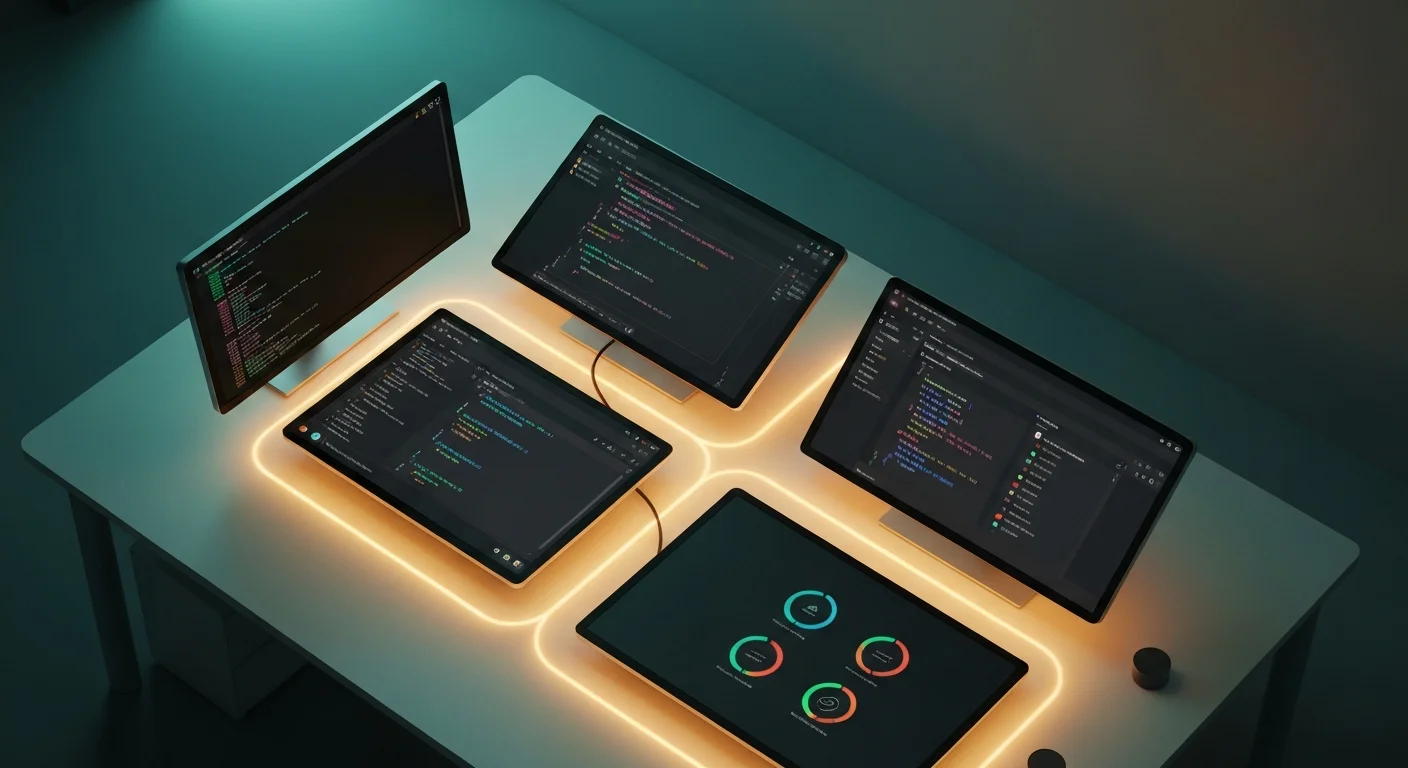
The Four Categories of AI Coding Tools
Anthropics's 2026 Agentic Coding Trends Report confirmed what many of us already felt: over 56% of developers now use AI coding tools daily. But here's the surprising part — most developers have only tried one category of tool and assume the rest work the same way.
They don't. Not even close.
After spending months working across all four categories — terminal agents, AI-native IDEs, IDE plugins, and fully autonomous agents — I can tell you that each occupies a genuinely different niche. This post is the comparison I wish I'd had before committing to my current workflow.
The Landscape at a Glance
Before diving deep, here's how the four categories break down:
| Category | Tool | Interface | Autonomy Level | Best For |
|---|---|---|---|---|
| Terminal Agent | Claude Code | CLI / Terminal | High | Architecture, refactors, multi-file changes |
| AI-Native IDE | Cursor | Desktop IDE | Medium-High | Feature development, focused sessions |
| IDE Plugin | GitHub Copilot | VS Code / JetBrains | Medium | Inline completions, quick edits |
| Autonomous Agent | Devin | Web Dashboard | Very High | Background tasks, boilerplate, migrations |
Let's break each one down with real workflows.
Claude Code: The Terminal Agent
Claude Code runs entirely in your terminal. No GUI, no IDE integration — just a prompt that has full access to your file system, shell, and git history.
What a real session looks like
Here's how I recently used Claude Code to add internationalization to a Next.js app in my monorepo:
> Add i18n support for Greek to the calisthenics app.
  Follow the same pattern used in the existing English content.
  Create the middleware, locale detection, and translate
  the navigation components.
Claude Code then:
- Read the existing project structure and routing setup
- Identified the content directory pattern
- Created the middleware for locale detection
- Generated translated components
- Updated the Next.js config
- Ran the type checker and fixed two type errors it introduced
- Committed the changes
All of this happened in a single conversation, with me reviewing the diffs along the way.
Strengths
- Full shell access — it can run your test suite, check types, install packages, and verify its own work
- Large codebase navigation — it greps, globs, and reads files across thousands of files without breaking a sweat
- Context window — with 1M token context, it can hold entire application architectures in memory
- Git-native — it understands branches, diffs, and commit history as first-class concepts
- No lock-in — works with any editor, any language, any framework
Weaknesses
- No visual feedback — you can't see a live preview or hover over types
- Steep initial learning curve — you need to be comfortable in the terminal
- Requires clear communication — the better your prompts, the better the output
- Review overhead — for large changes, you need to carefully review diffs
Best for
Architecting features, large refactors, multi-file changes, CI/CD work, and anything involving shell commands. If you're a senior developer who thinks in terms of systems rather than individual files, this is your tool.
Cursor: The AI-Native IDE
Cursor rebuilt the IDE from scratch around AI. It's a fork of VS Code, but the AI isn't bolted on — it's the core interaction model.
What a real session looks like
When building a new component, I open Cursor and use Cmd+K to describe what I need:
Create a reading progress tracker component that shows
a circular progress indicator, saves progress to Supabase,
and syncs across devices.
Cursor generates the component inline, with full awareness of my project's existing Supabase client, TypeScript types, and Tailwind classes. I can tab through suggestions, accept or reject hunks, and iterate with follow-up prompts.
Strengths
- Visual context — you see the code, the file tree, type hover info, and live errors simultaneously
- Codebase indexing — it builds a semantic index of your project for better retrieval
- Inline iteration — you can select code, hit Cmd+K, and transform it conversationally
- Agent mode — Cursor's agent can now make multi-file changes, run terminals, and iterate on errors
- Familiar UX — if you know VS Code, you know 80% of Cursor already
Weaknesses
- Resource-heavy — the indexing and AI features consume significant memory and CPU
- Vendor lock-in — you're committing to their IDE fork
- Subscription cost — the Pro plan is necessary for serious use
- Occasional context misses — on very large codebases, it sometimes references stale indexed data
Best for
Focused feature development sessions where you want AI assistance tightly integrated with your visual workflow. Ideal for mid-size tasks where you want to stay in the code but move faster.
GitHub Copilot: The IDE Plugin
Copilot is the tool most developers tried first. It's a plugin that lives inside your existing editor and provides inline completions, chat, and now agent capabilities.
What a real session looks like
You're writing a utility function and Copilot suggests the implementation as you type:
// Calculate reading time for a blog post
function calculateReadTime(content: string): number {
  // Copilot completes:
  const wordsPerMinute = 200;
  const words = content.trim().split(/\s+/).length;
  return Math.ceil(words / wordsPerMinute);
}
For more complex tasks, you open Copilot Chat and describe what you need. The new Copilot agent mode (powered by Claude or GPT under the hood) can now make multi-file edits and run terminal commands, narrowing the gap with dedicated agent tools.
Strengths
- Zero friction — it's just there in your editor, suggesting as you type
- Workspace agents — Copilot's agent mode in VS Code can now handle multi-step tasks
- GitHub integration — deep awareness of issues, PRs, and Actions
- Model flexibility — you can choose between Claude, GPT, and Gemini as the backing model
- Broad language support — works well across virtually every language
Weaknesses
- Shallow context by default — inline completions often lack cross-file awareness
- Agent mode still maturing — it's not as capable as Claude Code or Cursor's agent for complex tasks
- Suggestion fatigue — constant suggestions can be distracting during deep thinking
- Privacy considerations — code is sent to external servers for processing
Best for
Day-to-day coding where you want a constant AI co-pilot without changing your workflow. Great for boilerplate, test generation, and small to medium tasks. The agent mode is catching up fast for larger work.
Devin: The Autonomous Agent
Devin represents a fundamentally different paradigm. You assign it a task, and it works independently in a sandboxed environment — planning, coding, debugging, and submitting a PR when done.
What a real session looks like
You create a task in Devin's web dashboard:
Migrate our API tests from Jest to Vitest. Update all imports,
configuration files, and fix any compatibility issues.
Run the full test suite and ensure everything passes.
You go make coffee. Twenty minutes later, Devin has opened a PR with 47 files changed, all tests passing, and a summary of what it did.
Strengths
- True autonomy — it plans, executes, and iterates without your involvement
- Sandboxed environment — it can't accidentally break your local setup
- Asynchronous workflow — assign tasks and come back to results
- Good at migrations — repetitive, well-defined transformations are its sweet spot
- Learning from feedback — it improves on subsequent tasks based on PR review comments
Weaknesses
- Slow feedback loop — you don't see what it's doing in real-time (by default)
- Opaque decision-making — sometimes the reasoning behind choices is unclear
- Costly mistakes — when it goes wrong, it goes wrong in 47 files at once
- Limited creativity — it excels at defined tasks but struggles with ambiguous requirements
- Expensive — pricing reflects the compute-intensive autonomous operation
Best for
Well-defined, self-contained tasks that you'd rather not spend time on: migrations, dependency updates, boilerplate generation, and repetitive refactors. Think of it as a junior developer you can hand tickets to.
Head-to-Head: How They Handle Real Scenarios
Scenario 1: "Add a new API endpoint with tests"
- Claude Code: Reads your existing API patterns, generates the route, handler, types, and tests in one conversation. Runs the tests to verify. Fast, thorough.
- Cursor: You scaffold the file structure, and Cursor fills in implementations with strong context from your indexed codebase. Agent mode can now handle this end-to-end.
- Copilot: Helps you write each file faster with completions. Agent mode can attempt the full task but may need more guidance on project conventions.
- Devin: Handles it autonomously but might not follow your exact patterns without detailed instructions. Best when conventions are well-documented.
Scenario 2: "Refactor authentication across 30 files"
- Claude Code: Excels here. It can grep for all auth patterns, plan the migration, execute it file by file, and run your test suite to catch regressions. This is its wheelhouse.
- Cursor: Agent mode can handle this with some guidance. The visual diff review is a major advantage.
- Copilot: Struggles with this scope. You'll end up doing most of the cross-file coordination manually.
- Devin: Can handle it autonomously if given clear specifications. The PR might need careful review for edge cases.
Scenario 3: "Fix this bug in production"
- Claude Code: Give it the error log and it'll trace through the code to find the root cause. Fast for debugging.
- Cursor: The inline debugging experience with AI-powered error explanations is excellent.
- Copilot: Copilot Chat can help reason about bugs, but it needs you to navigate to the right files.
- Devin: Overkill for quick fixes. The setup time doesn't justify it for urgent patches.
The Architect + Agents Workflow
The most productive developers I know in 2026 aren't picking one tool — they're combining them. Here's the pattern that's emerging:
Phase 1: Architecture (Claude Code)
Use a terminal agent for the big-picture work:
- Design the feature structure
- Set up routing, types, and interfaces
- Create the database schema
- Scaffold the file structure
Phase 2: Implementation (Cursor)
Switch to an AI-native IDE for focused development:
- Build out components with visual feedback
- Iterate on UI with live preview
- Debug with inline error context
Phase 3: Polish (Copilot)
Use inline completions for the finishing touches:
- Write documentation
- Add edge case handling
- Clean up types and interfaces
Phase 4: Delegate (Devin)
Hand off the tedious work:
- Write comprehensive test coverage
- Update related documentation
- Handle the migration script for the database changes
This isn't theory — this is how I build features now. Each tool handles what it's best at, and the result is faster than using any single tool alone.
Key Metrics That Actually Matter
Forget benchmarks on HumanEval. Here's what matters in practice:
Context Awareness
How well does the tool understand your specific codebase?
- Claude Code: 9/10 — reads files on demand, maintains conversation context
- Cursor: 8/10 — semantic indexing is powerful, but can go stale
- Copilot: 6/10 — improving with workspace awareness, still primarily local-file focused
- Devin: 7/10 — thorough exploration, but sometimes misses conventions
Iteration Speed
How quickly can you go from idea to working code?
- Claude Code: Fast for terminal-comfortable developers, slower if you need visual feedback
- Cursor: Fastest for visual, component-level work
- Copilot: Fastest for small, inline changes
- Devin: Slowest for interactive work, fastest for fire-and-forget tasks
Trust and Verification
How easily can you verify the tool's output?
- Claude Code: Shows diffs, runs tests, but you're reviewing in terminal
- Cursor: Inline diffs with syntax highlighting — easiest to review visually
- Copilot: Small suggestions are easy to verify; larger agent outputs need more scrutiny
- Devin: PR-based review, but large changesets can be overwhelming
What the 2026 Trends Report Tells Us
A few key findings from Anthropic's report that match my experience:
- Agentic usage is exploding — 56% of developers use AI tools daily, up from around 30% just a year ago
- Multi-tool workflows are the norm for power users — senior developers use 2-3 tools in combination
- Context window size matters more than raw model intelligence — the ability to hold an entire codebase in context is the differentiating factor
- Trust is the bottleneck — developers report that verification time, not generation time, is the real constraint
- Terminal agents show the highest satisfaction among experienced developers — but the lowest adoption among juniors
My Honest Recommendation
If you're going to try just one new tool:
- If you're a senior developer comfortable in the terminal: Start with Claude Code. The leverage it gives you on large tasks is unmatched.
- If you prefer a visual IDE: Try Cursor. It's the most complete single-tool experience.
- If you want minimal disruption: Upgrade your Copilot to use agent mode. It's the smallest change with meaningful impact.
- If you have well-defined tasks to delegate: Give Devin a trial run on a migration or refactor.
But honestly? Try all four. They each taught me something different about how I write code, and the combination is more powerful than any individual tool.
The Bottom Line
We're past the point of debating whether AI coding tools are useful. The question now is which combination of tools matches your workflow, your team's needs, and the types of problems you solve.
The developers who'll thrive in 2026 aren't the ones who picked the "best" tool. They're the ones who learned when to architect with a terminal agent, when to implement in an AI-native IDE, when to lean on inline completions, and when to delegate to an autonomous agent.
The tools are ready. The question is whether your workflow is.
What's your current AI coding setup? I'm always curious how other developers are combining these tools. Reach out on mikeouroumis.com — I'd love to compare notes.